1
Enter what's there
Add the balance you have today and the payments you expect later this month.
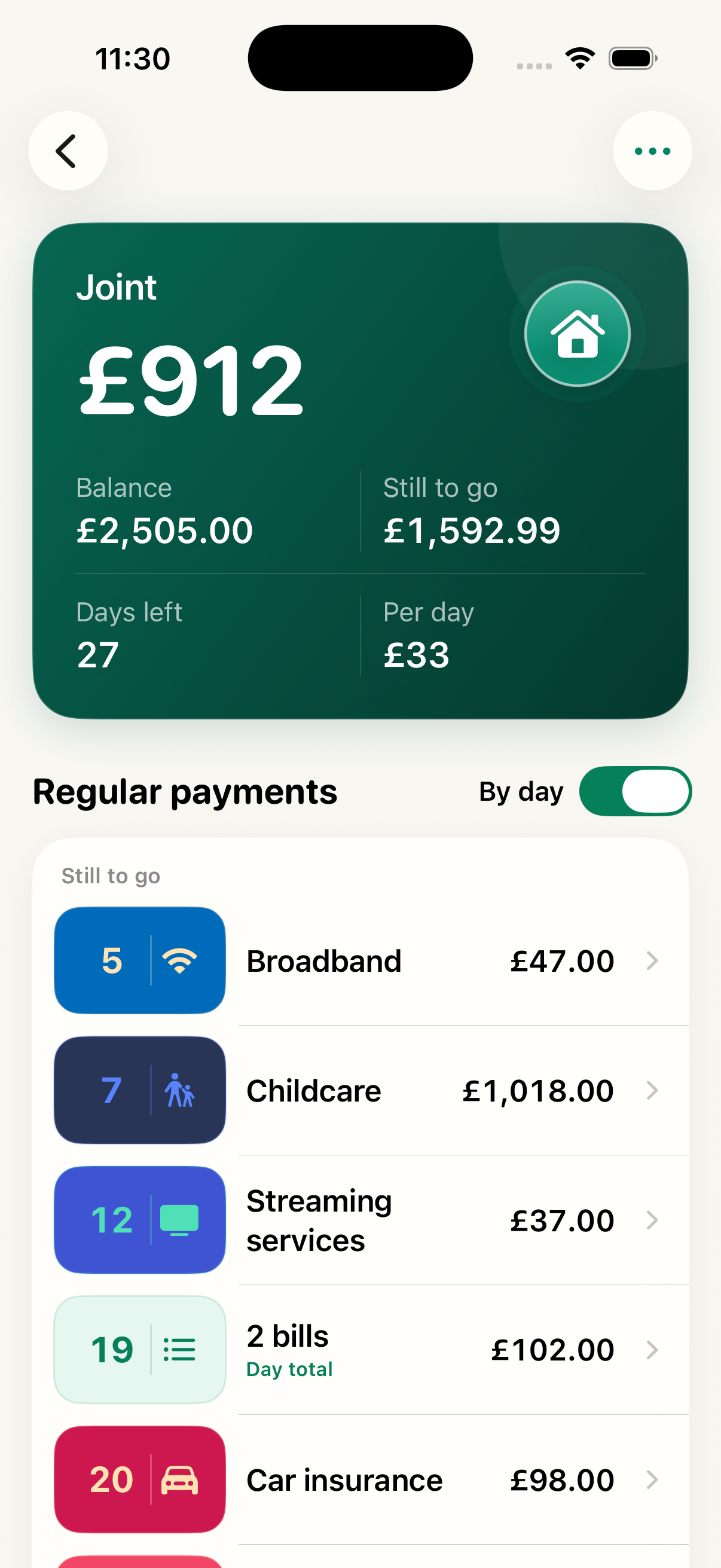
Dosh Pot turns the balance you enter and your upcoming payments into one clear number: the money you can actually use.
No bank login. No bank connection. No transaction access.
This is a simple day-to-day spending tool. You enter the figures; Dosh Pot helps you make sense of them.
Dosh Pot never reads your bank account or imports transactions. It is purely a manual planning tool for day-to-day spending.
Add the balance you have today and the payments you expect later this month.
Dosh Pot subtracts payments still to come and keeps payments already gone in view.
Use the amount left and the daily allowance to guide the rest of the month.
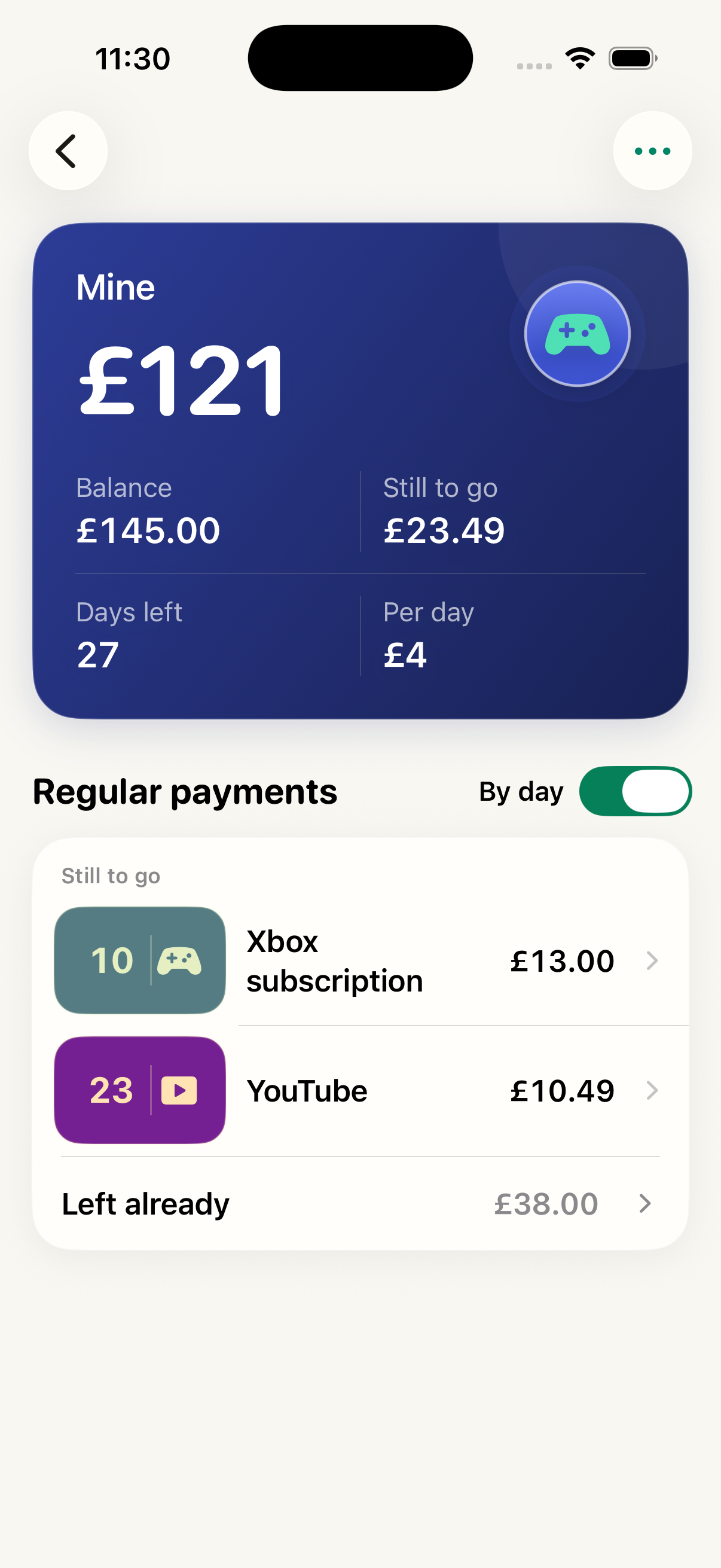
This recording shows a regular payment being added, the Joint pot’s By day toggle grouping payments due together, and the Mine pot balance being changed to £145.
The data is fictional test data. Dosh Pot does not connect to a bank or perform any transactions.
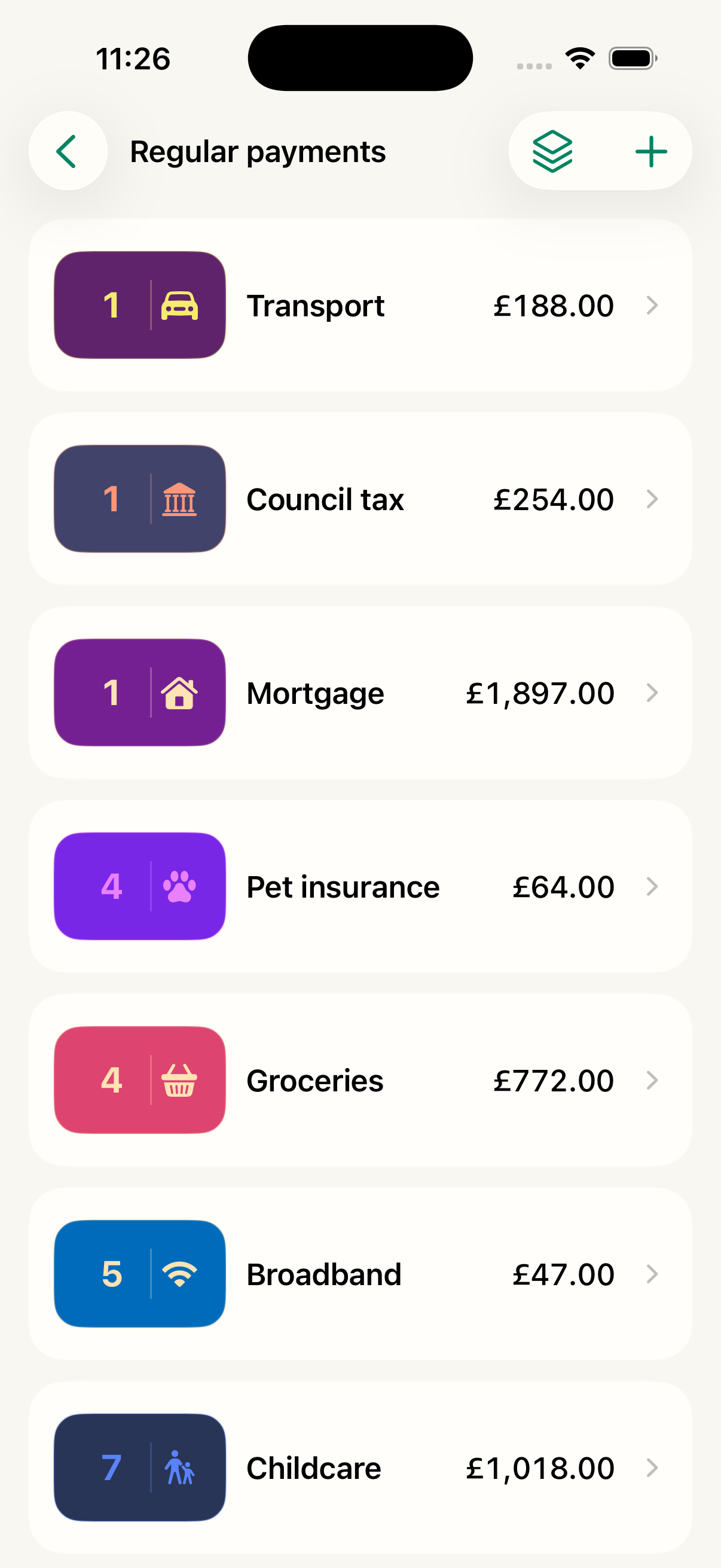
Regular payments are the reusable monthly list behind each pot. Add a payment with its name, day, and amount, then edit it whenever the standing arrangement changes.
Use Manage base payments from a pot’s dashboard to add or edit items such as Transport, Council tax, Mortgage, Groceries, Broadband, or Streaming services. You can group related payments into one summary, split a group back into individual payments, or remove a payment from the list.
Need to change only this month? Tap a payment on the dashboard and edit its date or amount. Dosh Pot labels that as a one-off change, so your regular list stays ready for next month. Choose Reset to original to restore the regular amount and date.
Keep an eye on what’s left from your Home Screen or your wrist, with the amount available, days remaining, and daily allowance close at hand.
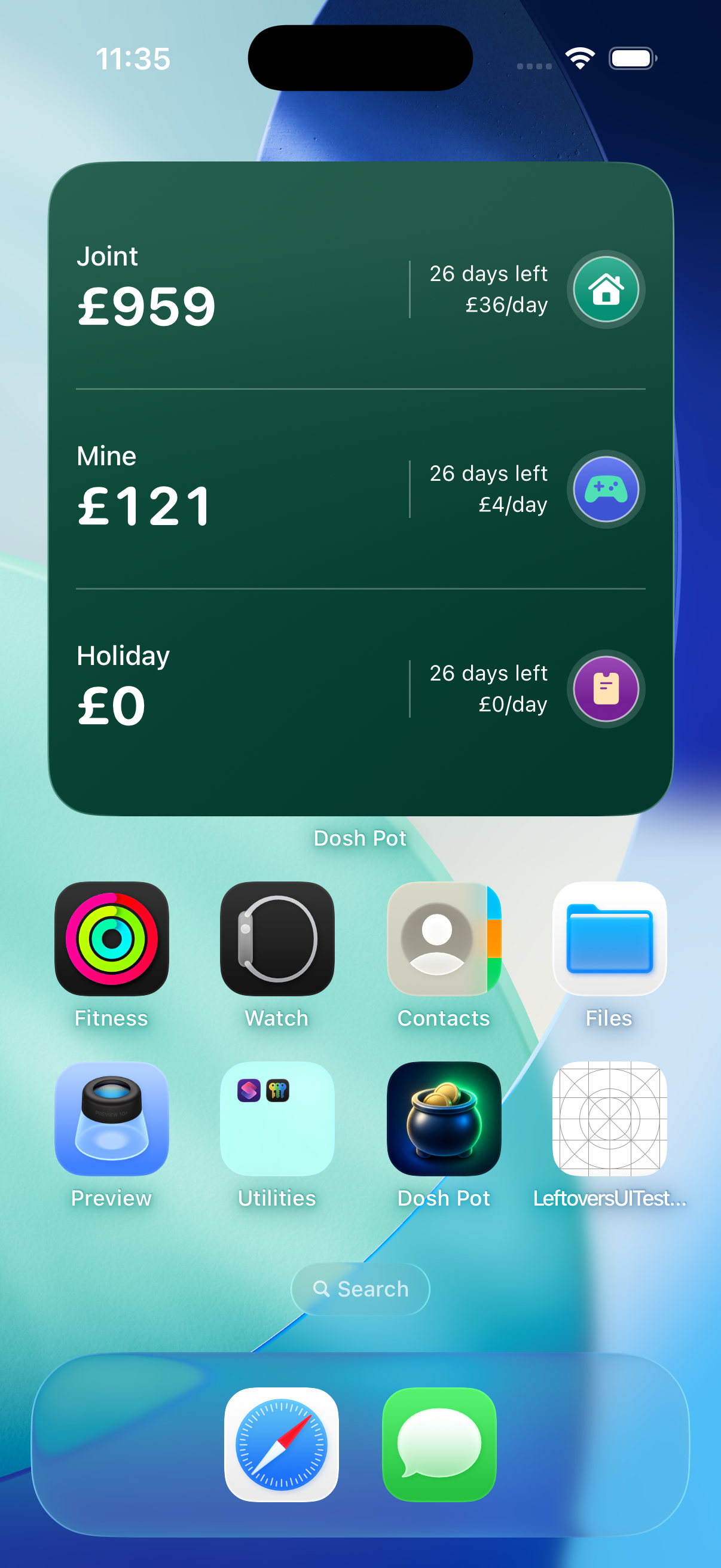
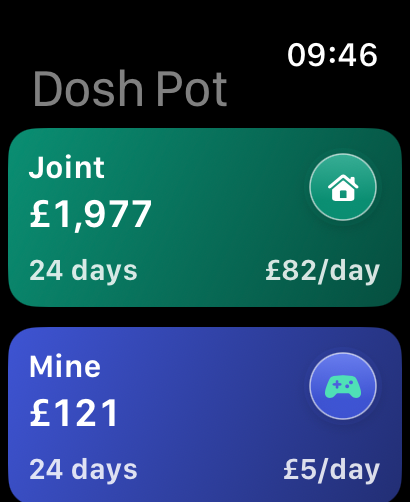
Add a widget to your Home Screen, check a pot on Apple Watch, or ask Siri to tell you what's left.